
Learning how to stay focused working from home has less to do with willpower than with environment. Put your phone in another room, keep a “later list” notepad beside your keyboard, and agree visible household signals for “do not disturb” — then focus mostly takes care of itself.
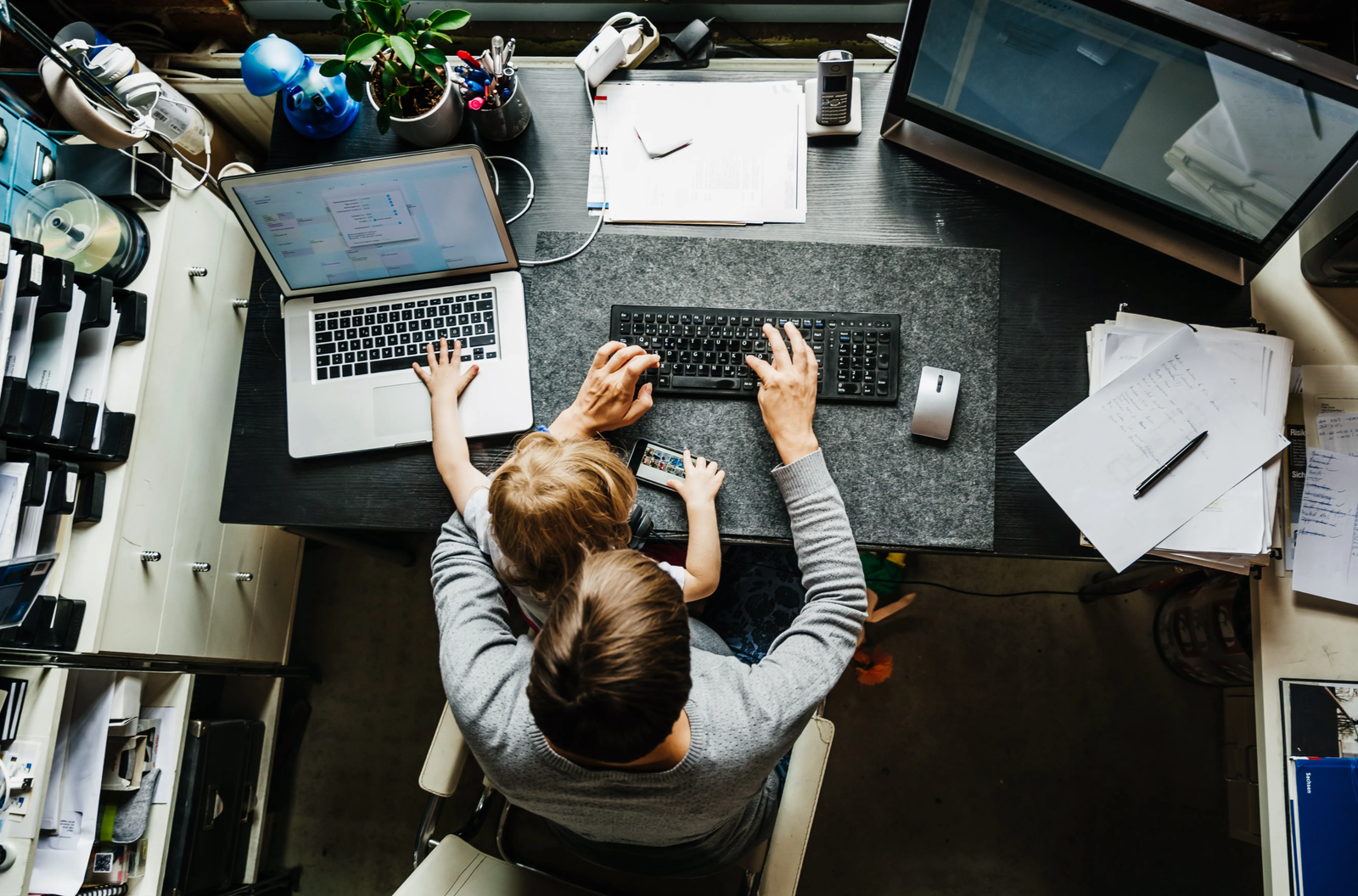
If you work from home in a small space shared with other people, you already know the real problem is not laziness. It is the doorbell, the washing machine, the flatmate’s “quick question,” and the phone lighting up every ninety seconds. “Just concentrate harder” fails because it treats distractions as a character flaw instead of an environment problem.
I spent my first year of remote work losing the same fight every day. I would sit down with good intentions, get pulled away by something small, and then spend twenty minutes getting back into the task. The fix was not a new productivity app. It was redesigning the space and the signals around me so that staying focused became the default.
Why does focus at home feel so much harder than in an office?
An office does a lot of invisible focus work for you. The commute marks a transition, the desk means work, and colleagues can see when you are busy, so they interrupt less. At home, none of those cues exist — the same room is where you work, eat, relax, and scroll, so your brain never gets a clear “now we work” signal.
That is also why the standard advice on how to stay focused working from home — “just ignore distractions” — backfires. Resisting a distraction costs mental energy, and every resisted ping leaves a little less focus for the actual work. The smarter move is to remove the distraction before it demands a decision.
What is the “phone exile” rule — and why does it work?
Your phone is the single biggest focus leak in most home offices — not because of the time you spend on it, but because of attention residue: even a glance at a notification leaves part of your mind chewing on it after you look back at your work.
The first rule for how to stay focused working from home is simple: during a focus block, the phone lives in another room, on silent, face down. Not in a drawer next to you, not face-down on the desk — in another room. In my one-bedroom flat, that means the kitchen counter while I work in the living-room corner. The thirty-second walk is the whole point: it turns every check into a deliberate decision, not a reflex.
How do you handle interruptions from people you live with?
You cannot silence a partner, a child, or a flatmate the way you silence a phone. The answer is a visible signal system everyone agrees on — and that you respect in return.
Pick one clear signal: headphones on means “do not interrupt unless it is urgent,” a closed door means the same, or a small sign on the desk. Keep it to one signal so nobody has to decode anything. Then agree on what “urgent” actually means — fire, flood, blood, or a genuinely time-critical delivery — and agree on the times when you are interruptible, like a proper lunch break when you are fully available.
The part people skip is the return side of the deal. If you promise to be available at lunch and then keep working through it, the signal system collapses within a week, because the people around you stop trusting it. Keep your available hours genuinely available and the do-not-disturb hours will hold.
What is the “later list” — and how does it stop mental wandering?
Half of home distraction is not external at all. It is the thought that pops up mid-task: “I need to book the car service,” “Did I reply to that message?”, “The kitchen bin needs taking out.” Each one feels urgent for about five seconds, and each one derails you if you act on it.
Keep a small notepad — paper, not an app — beside your keyboard. The moment a non-work thought appears, write it down in a few words and go straight back to your task. That is the whole technique. Writing it down tells your brain the thought is parked safely, so it stops looping it. Clear the list at day’s end: most items take two minutes; the rest go on tomorrow’s list.
I tested this against my old habit of “just quickly” handling each thought as it came. On a normal Tuesday I counted eleven small detours before lunch; with the later list, that dropped to two. The work did not change. The leakage did.
How to stay focused working from home in a small shared space?
Forget the rigid 25-minute timer if it does not fit your work. The principle matters more than the number: work in defined blocks with defined breaks. A pattern that works well in shared spaces is 50 minutes of focused work followed by a 10-minute break — long enough for real progress, short enough that others can wait. Use it properly: stand up, get water, step away from the screen. A break spent scrolling your phone is not a break; it is a distraction wearing a break’s clothes.
Batch shallow work — email, messages, admin — into two or three windows a day. Checking email at 9:30, 1:00, and 4:30 covers almost every urgent message and stops the inbox being a background distraction all day.
Can a tiny workspace still support deep focus?
Yes, but it needs one anchor: a single spot that is only for work, even if it is one end of the kitchen table. Sit there, you work; leave it, you stop. Over a few weeks your brain associates that spot with focus, the same way an office desk does.
Add two cheap upgrades if you can: noise-cancelling headphones or plain earplugs for shared-space noise, and a lamp you switch on only during work hours. The lamp sounds trivial, but it is a strong on/off cue — light on means working, light off means done.
One-day distraction audit: the mini-test that shows where your focus actually goes
Before you change anything else, run this one-day test: keep a tally sheet next to your later list and mark every time you are pulled away — phone check, household interruption, wandering thought, delivery knock. Do not try to be good; just count honestly.
Most people are shocked by the result. The typical pattern is not one big distraction but twenty to forty small ones, and the top three categories are almost always the phone, household interruptions, and self-interruption. That tally tells you exactly which fix to apply first: phone exile for the phone, a signal system for the household, the later list for wandering thoughts. Fix the biggest leak first and you will feel the difference within a day.
Frequently Asked Questions
How long does it take to build focus habits when working from home?
Most people notice a difference within the first week, because removing distractions works immediately. The habits take three to four weeks to feel automatic, and they stick better than willpower rules because they do not depend on your mood.
Is it better to work in silence or with background music when working from home?
It depends on the task. For writing or coding, silence or steady instrumental sound works best, because lyrics compete with the words in your head. For repetitive admin, familiar music is fine. If your home is noisy, brown noise masks household noise better than music does.
What should I do when a family member keeps interrupting despite the signal system?
Revisit the agreement, not the person. Usually the system failed because the “available” hours were not genuinely kept, or “urgent” was never defined. Agree on specific interruptible times and be truly present during them. A five-minute daily check-in about what each person needs prevents most mid-task questions.
Does multitasking help when working from home?
No — for focused work, multitasking is just rapid task-switching, and every switch costs time and accuracy. The exception is pairing a low-attention task, like tidying, with something passive, like a meeting recording. For anything needing real thought, one task at a time in a protected block wins.